Tour of the account
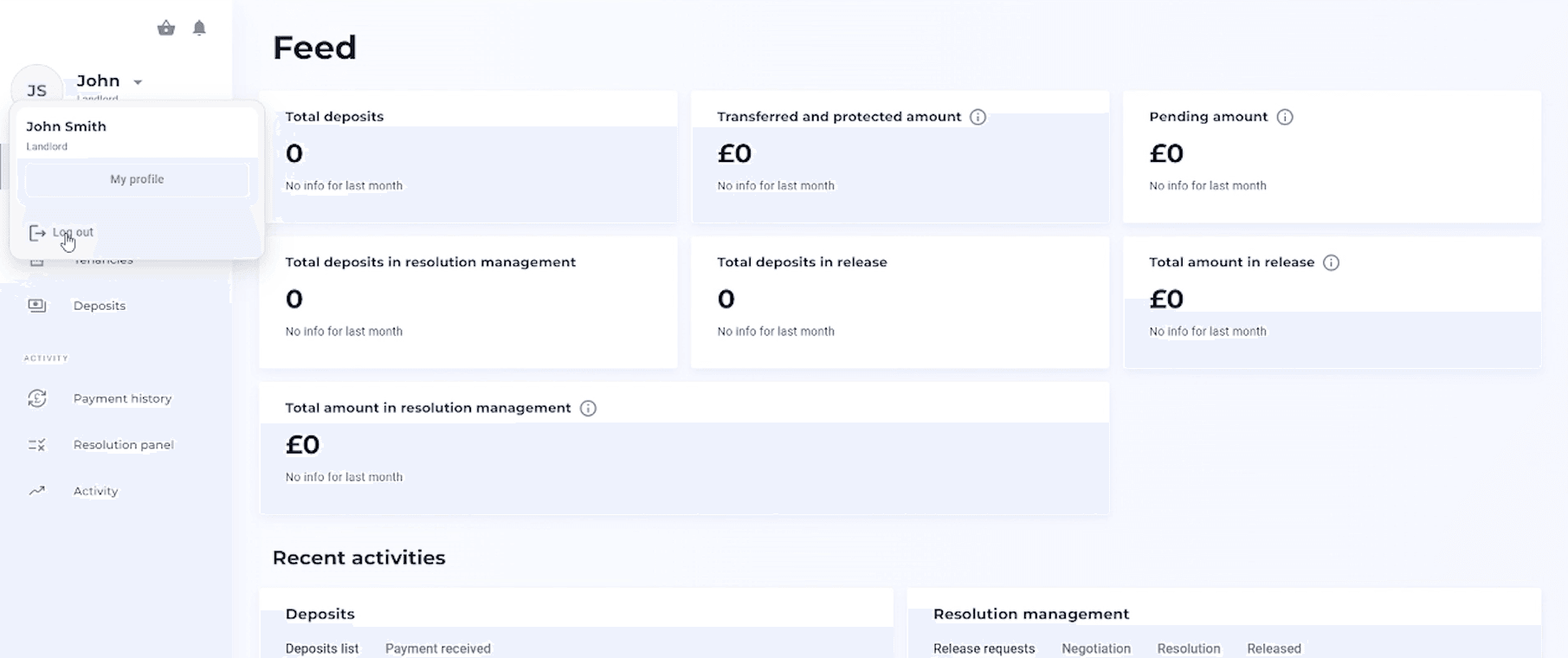
Once you've logged in to the Total Property platform you'll see your dashboard.
Dashboard homepage
You will see the total deposits, protected amount lodged for resolution, total deposits in resolution management, total deposits in release, total amount in release and total amount in resolution management.
If you scroll down you'll be able to see recent activities such as deposit list.
Next to recent activities is resolution management, where you can see all of the release requests, any ongoing negotiations, resolutions, and any funds that have been released.
Properties tab
Here you can view all the properties on the account. To add a new property simply select the blue 'Add property' button at the top right.