How to add a property
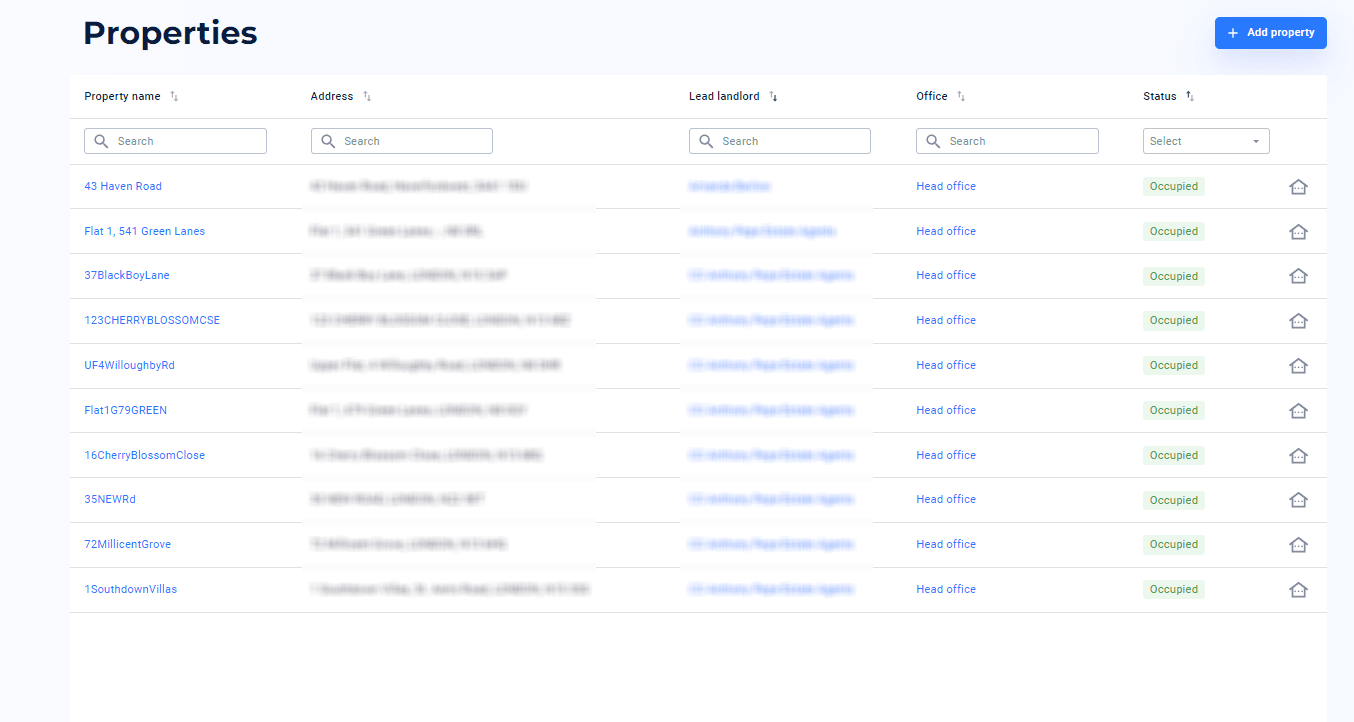
1. On the homepage of your dashboard, select ‘Properties’ from the left hand menu
2. Click ‘Add property’ at the top right hand corner
3. If there is a joint landlord you can enter this information here, if not you are able to skip this step
4. Enter the property name and first line of the address
5. Review all of the information and confirm it is correct by clicking ‘Add property’.