How to initiate resolution
1. You will now see the option to initiate resolution at the top of the page and you can choose to either take the case to court or send it to our resolution team
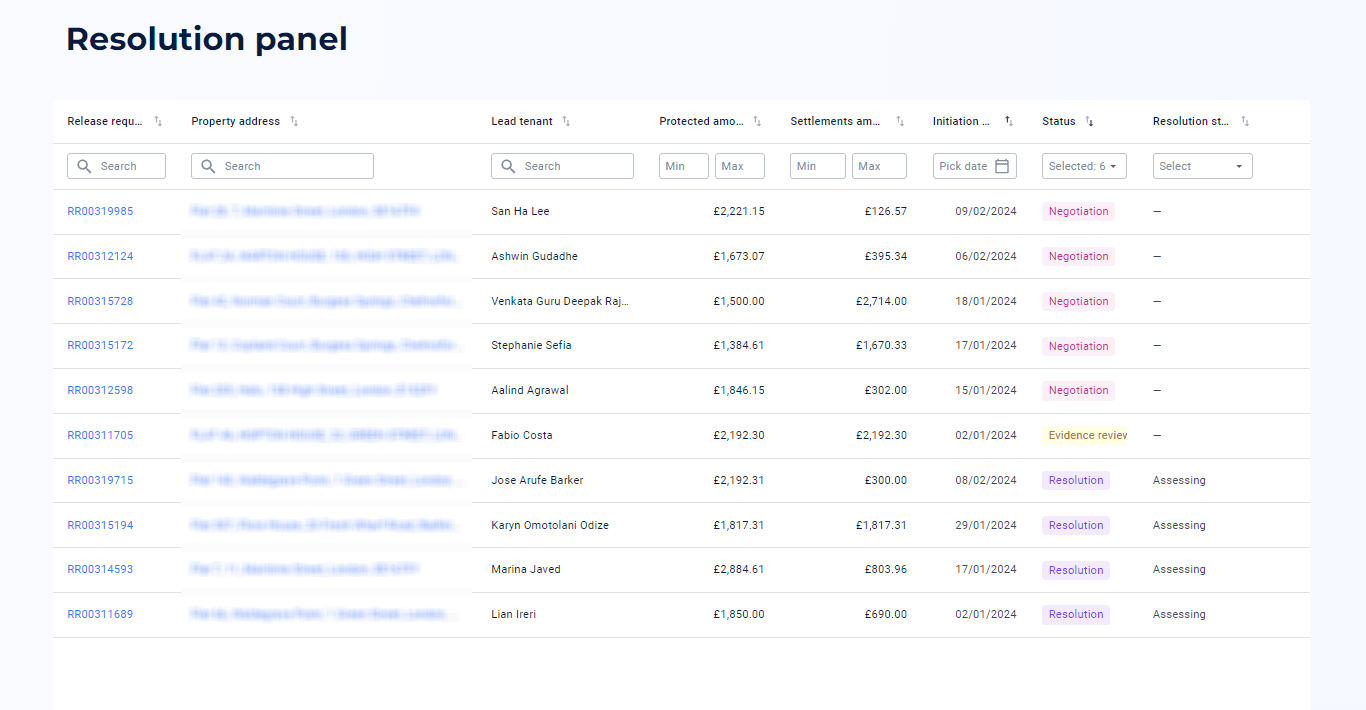
2. On the dashboard you will see the release request has now changed to evidence review and a notification lets you know how much time is remaining to confirm your evidence
3. Check that all the evidence you need to provide has been uploaded to the platform
4. Once both parties have clicked the confirm button, the case will be moved to our resolution team
If both parties do not confirm by the date shown it will be automatically confirmed and passed across to our resolution team.
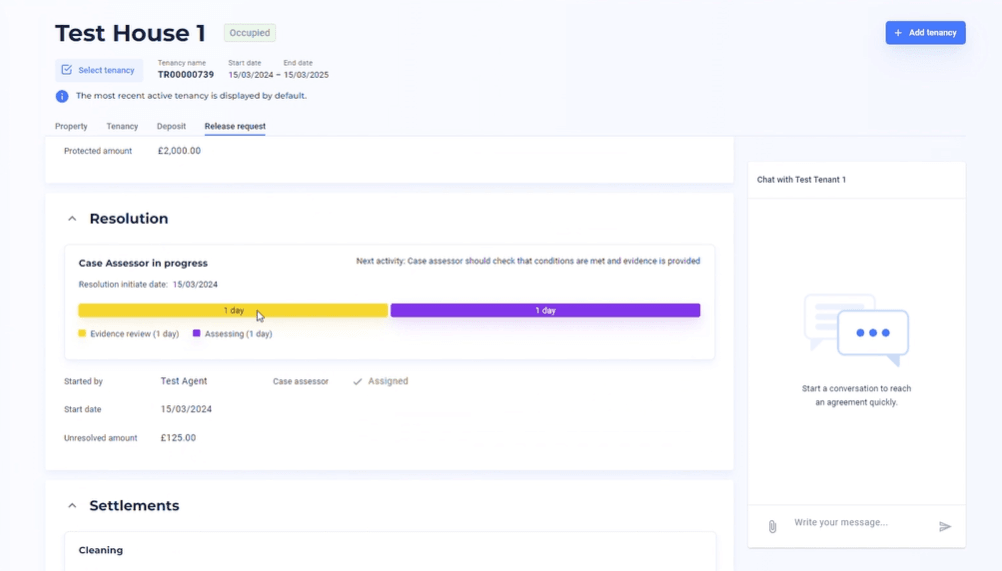
5. The case is now with our resolution team and you will see the status change. You'll be able to keep track of the case progress and relevant dates on your resolution panel