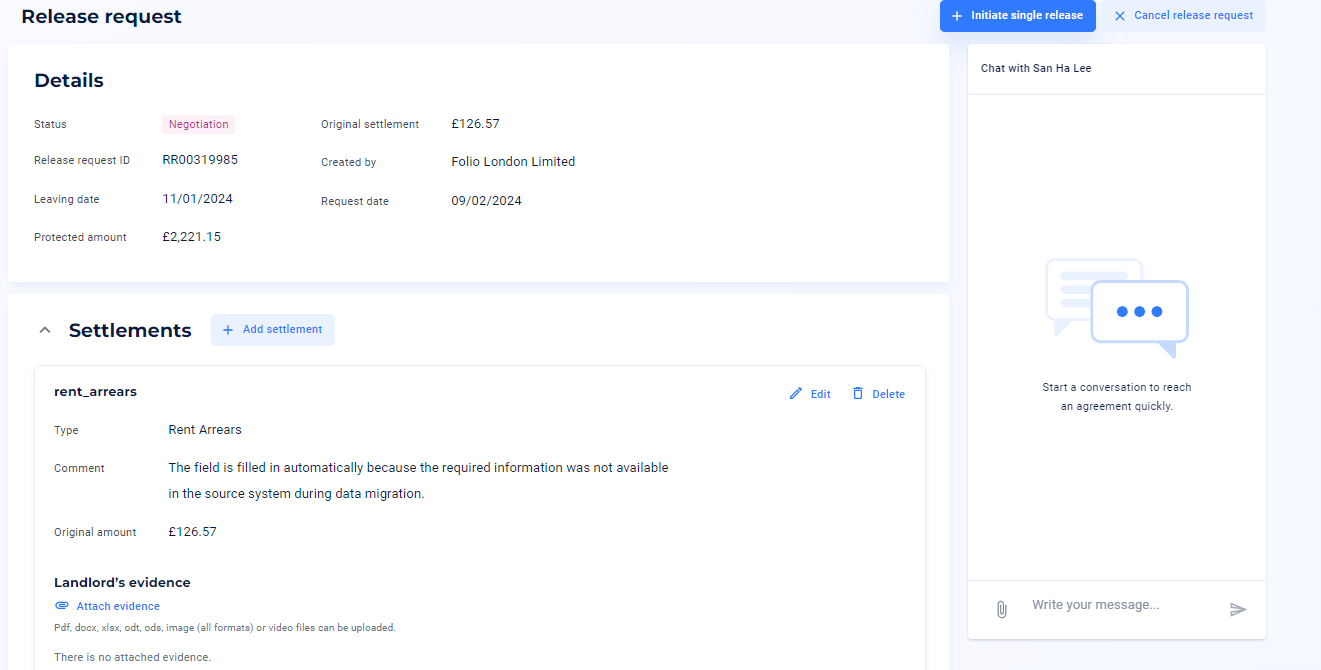
How to begin negotiation
On your home dashboard, you will see a summary of information relating to tenancies, releases and resolution.
You can now use your mydeposits account to negotiate the return of the deposit.
1. To initiate a release, go to 'Tenancies' and either search for the tenancy using the address, landlord or tenant name and click on the relevant tenancy
2. Next, select the 'Deposit' tab and you will be able to click 'Start release request' at the top right corner
3. A pop up will appear for you to enter the date the tenant left the property or confirm if the tenancy did not start. Also, you will be asked to confirm whether any money has been returned to the tenant and to select whether you are releasing the whole deposit or requesting a settlement as a proposed deduction you are looking to make from the tenants deposit